Visual quality
Explore cinematic framing, lighting and movement with Seedance. Evaluate the result against an approved visual brief.
Make creative reviews concrete.
Explore cinematic studies Official source ↗ByteDance’s video and image models, explored through real source material. Discover reference-led creative possibilities, compare production studies and define an enterprise pilot with clear review gates.
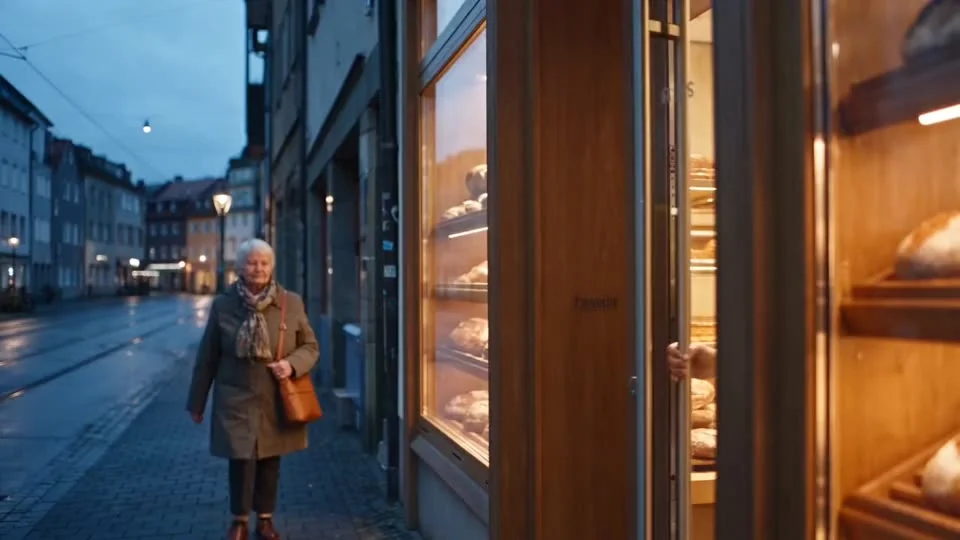
Understand the ecosystem
Models, application & API
ByteDance’s generative media models give enterprise teams new ways to develop visual stories, explore creative directions and iterate on production assets. Seedance focuses on video and audio generation; Seedream focuses on image creation and editing. Lumina provides a creative application, while BytePlus ModelArk offers API access for integration. This showcase connects those product roles to practical marketing workflows, with automotive films, editing comparisons and reference studies from the original site. Treat the examples as material to evaluate, rather than evidence of a customer relationship or guaranteed output. Start with the films, inspect their provenance, then define a bounded pilot with your creative, technology and legal teams before moving into production.
Four priorities for evaluating ByteDance’s generative media tools. Product capabilities are sourced; your production results still need validation.
Explore cinematic framing, lighting and movement with Seedance. Evaluate the result against an approved visual brief.
Make creative reviews concrete.
Explore cinematic studies Official source ↗Reference-led generation and editing offer ways to steer a shot. The original editing pair makes the review task tangible.
Iterate on a specific creative decision.
Explore editing studies Official source ↗Combine image iteration with reference studies. Inspect people, product geometry and reflections across every shot.
Define repeatable acceptance checks.
Explore consistency studies Official source ↗Choose Lumina for creative exploration or assess ModelArk APIs for an integration. Human approval remains a separate step.
Start with a bounded, reviewable pilot.
Explore reference studies Official source ↗A curated view of 17 inherited films and production studies. Open the evidence behind a clip before drawing a conclusion.
A note on evidence. These are source-supplied films, concepts and 3D inputs, not verified customer case studies. Model versions are unrecorded. Brand depictions do not imply a commercial relationship, permission or endorsement.
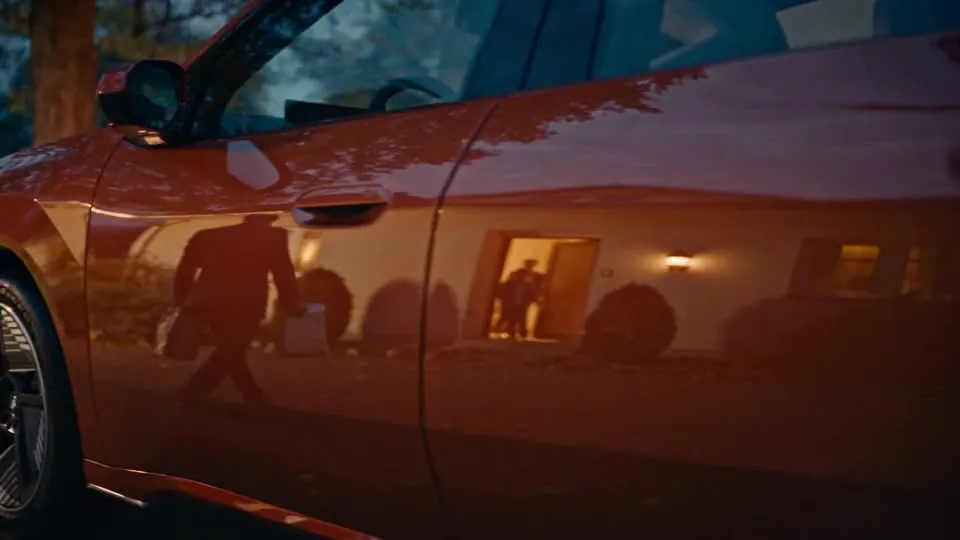
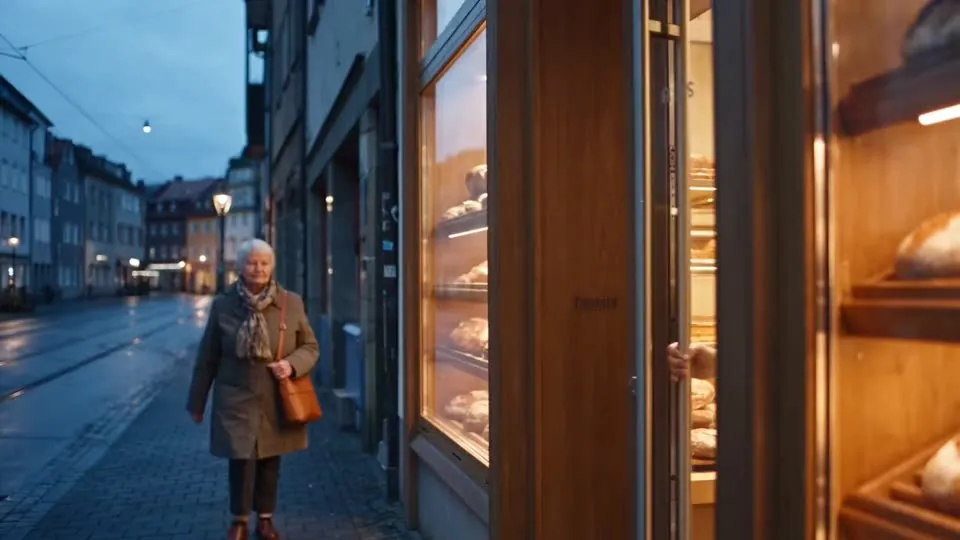 Cinematic
A source-supplied concept film set around an everyday drive home.
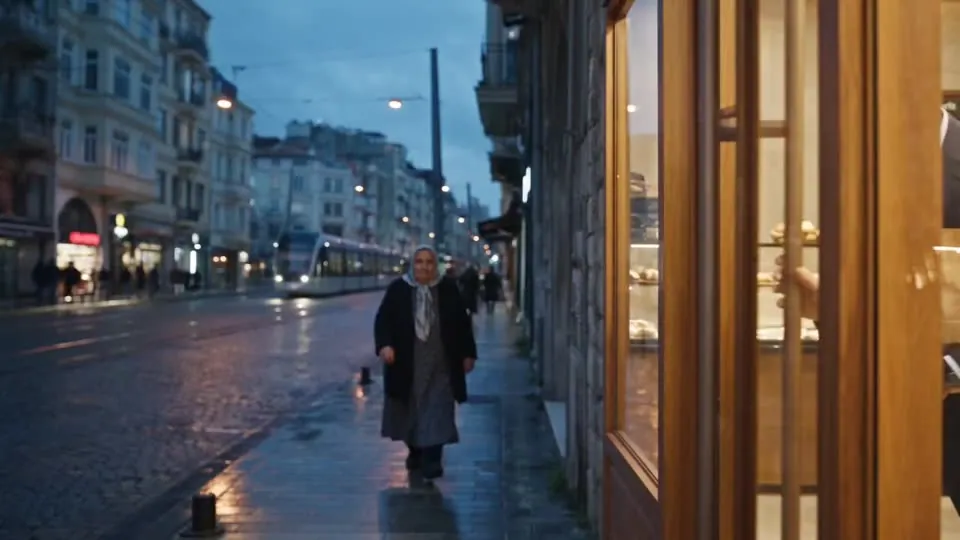 Cinematic
A second concept treatment, described by the source as a vehicle and location adaptation.
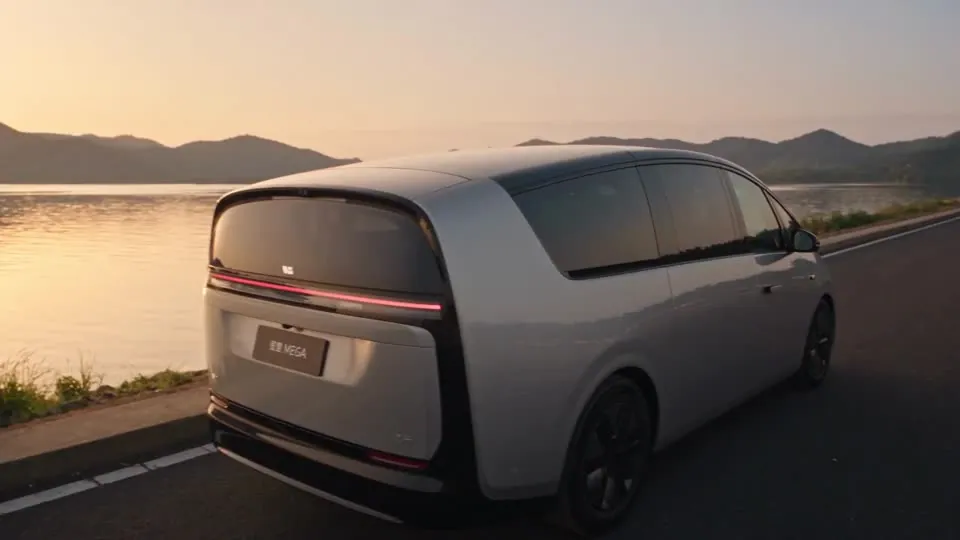
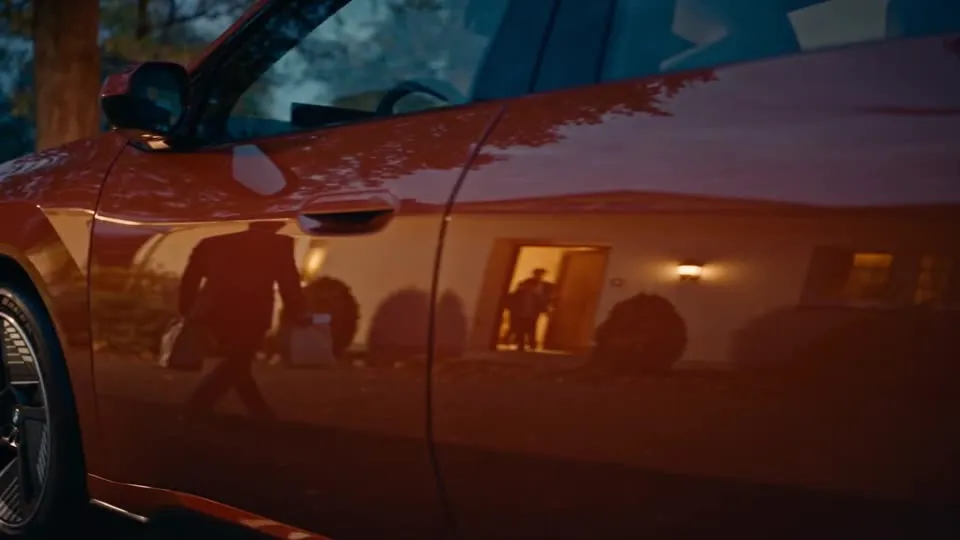 Editing
The original site identifies a badge-text issue in this pre-edit sequence.
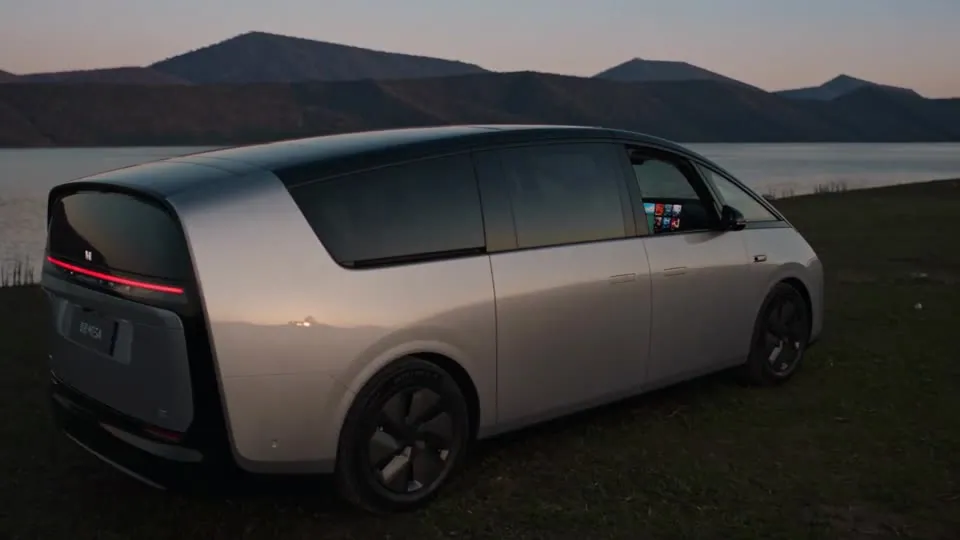
 Editing
The companion sequence is labelled as the corrected result by the source.
 Consistency
The source labels this as an image-reference generation experiment.
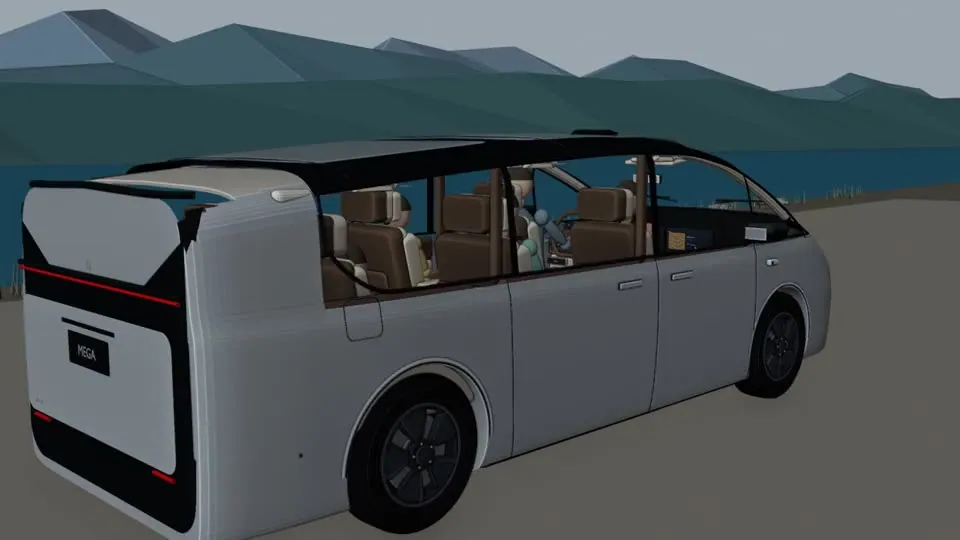
 Consistency
The source describes this as a result guided by a simplified spatial reference.
 Reference
A simplified 3D reference clip supplied alongside the generation study. This is an input, not an AI-generated result.
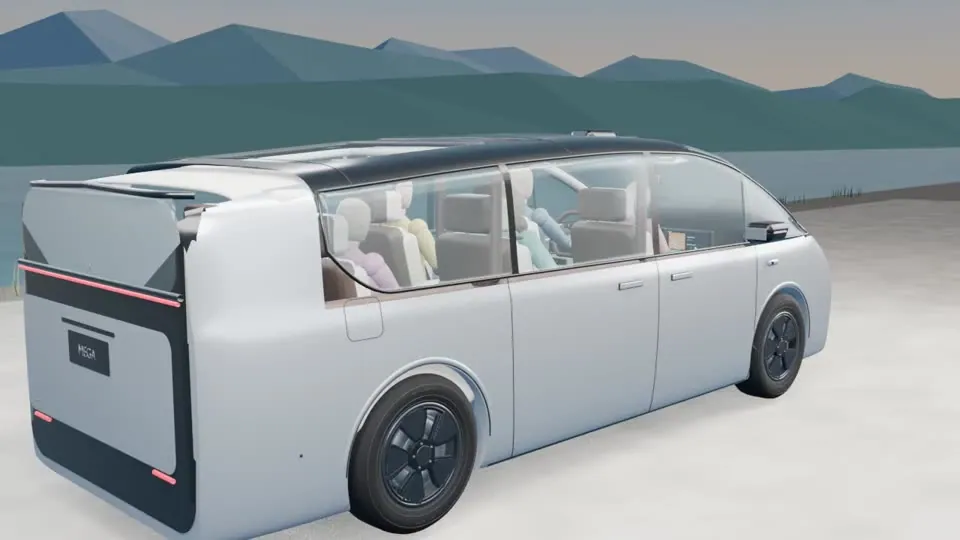 Reference
A detailed 3D blocking clip from the original production breakdown.
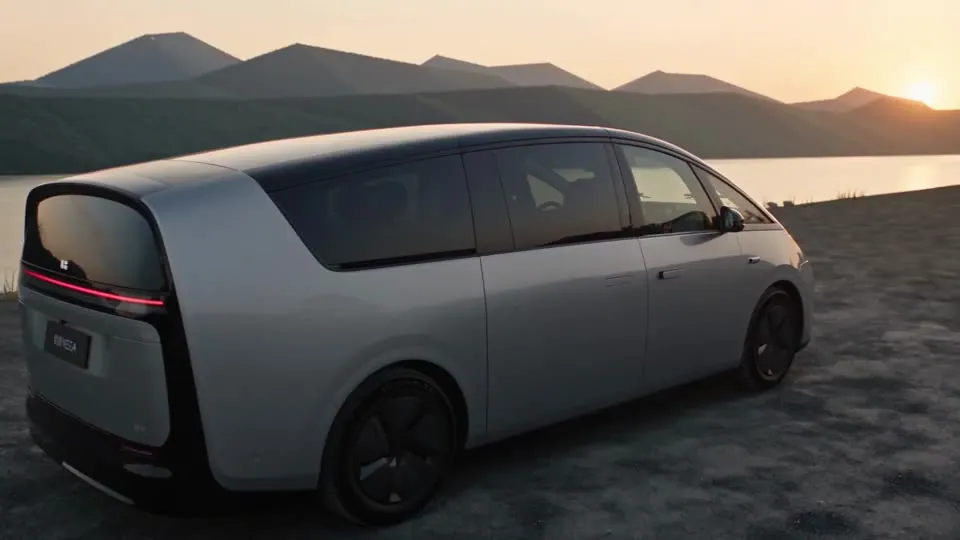 Consistency
A generated sequence described as following a detailed camera-path reference.
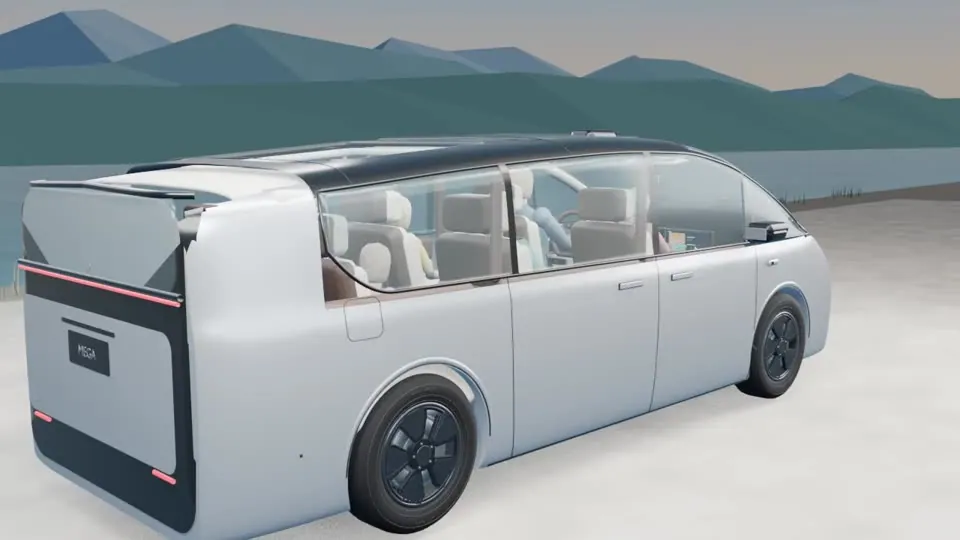 Reference
A revised 3D reference supplied in the original iterative production notes.
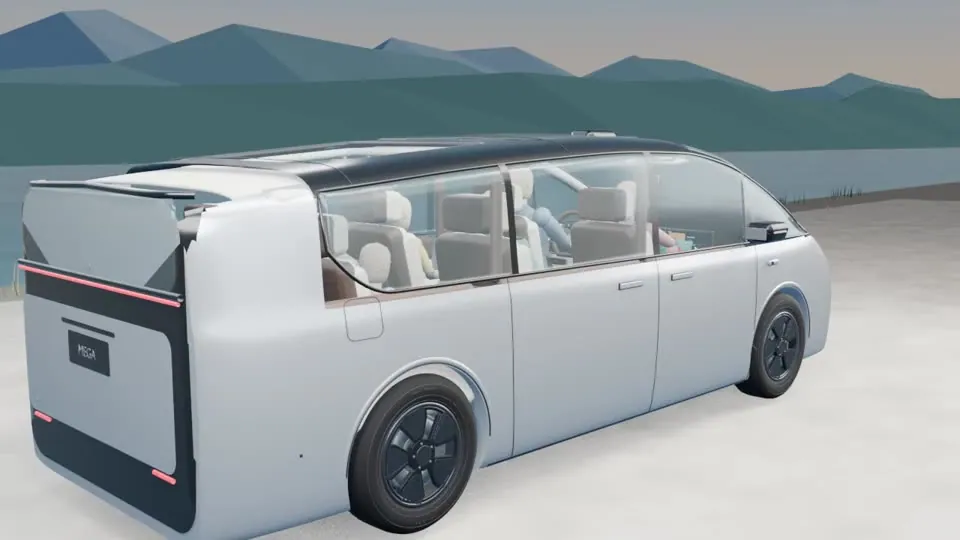 Reference
A further 3D reference iteration from the same source material.
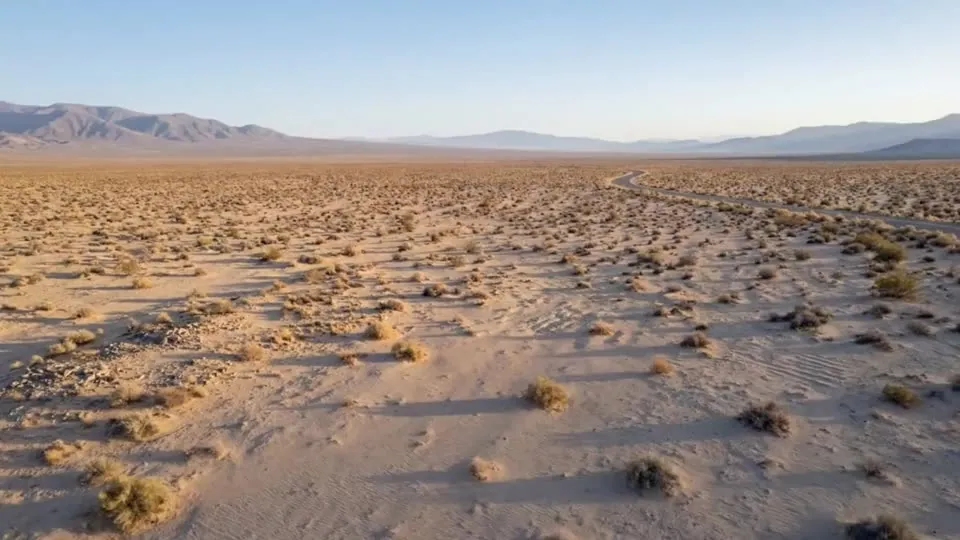 Reference
A reference film labelled BMW iX3 Electric Range in the original site. Its generation method and permissions are unverified.
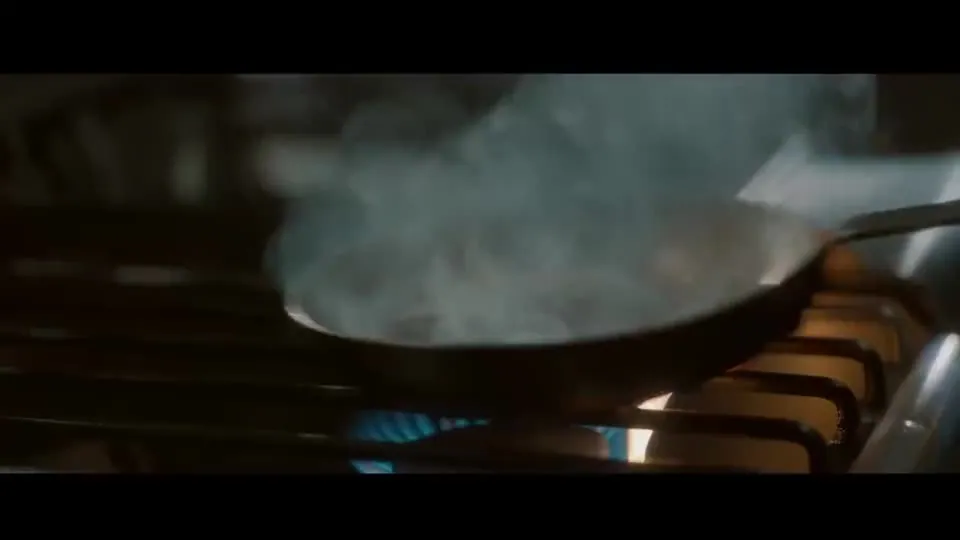 Reference
A film-series reference from the original site. No generation logs were provided.
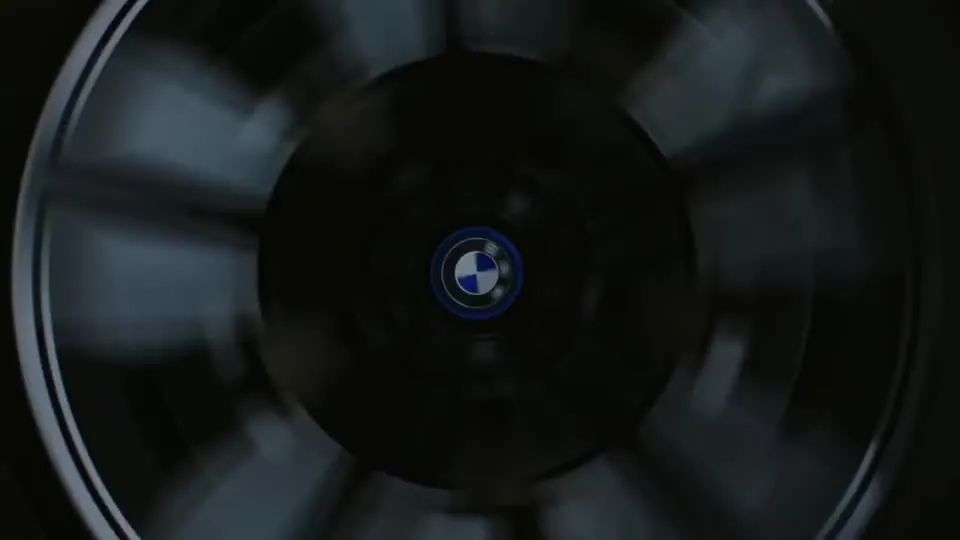 Reference
A further reference clip supplied in the original film-series section.
 Cinematic
A seasonal greeting clip from the original site; the production method is not independently verified.
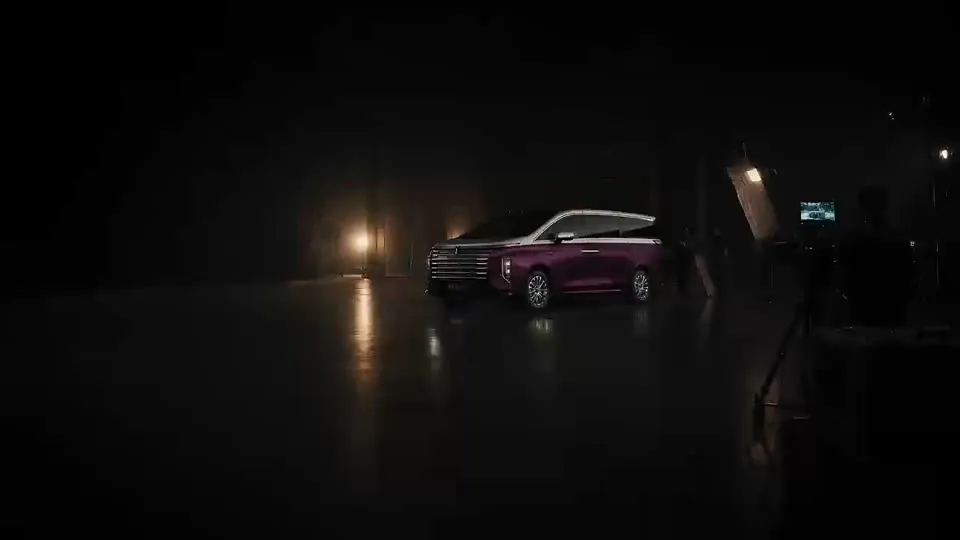 Cinematic
A companion seasonal greeting clip from the same original source.
 Cinematic
A subtitled short film from the original site. Depictions do not establish permission or an endorsement.
Playback is hosted by Google Drive. Click only if you want to connect to Google. Use the embedded controls to play, pause or enter fullscreen; closing the player stops it.
Playback & privacyIllustrative pilot opportunities for marketing, innovation and production teams. Scope the deliverable before scaling the workflow.
Explore a vehicle story before a shoot. Review geometry, badges, reflections and any depicted driving behaviour.
Pilot deliverable: a reviewed concept sequence.Test a visual direction with approved references. Keep product truth, tone and brand review in the loop.
Pilot deliverable: alternative story treatments.Turn an approved concept into a storyboard and shot candidates. Check that features shown match the actual product.
Pilot deliverable: a launch-film animatic.Explore product-led creative variants with a fixed reference pack. Verify colour, shape, text and claims.
Pilot deliverable: a curated set of asset variants.Plan channel-specific stories and crops. Review subtitles, language and safe framing before distribution.
Pilot deliverable: reviewed channel adaptations.Compare reference treatments and targeted edits. Record model, prompt, inputs and approval for each selected output.
Pilot deliverable: an auditable creative handover.An illustrative integration pattern. Your team selects the tools, sets the quality gate and approves the final asset.
Rights-cleared references, product facts and a shot brief.
Creative + brandExplore images in Seedream and video in Seedance through an available product.
Creative application or APISelect, refine and assemble shots with your chosen production tools.
Creative teamCheck continuity, claims, rights, accessibility and regional requirements.
Brand + legal + technologyExport approved masters and channel variants through your existing systems.
Production ownerThis is a proposed workflow, not a ready-made integration between Seedance, Seedream, Lumina and ModelArk. Availability, model versions, API limits and export options must be checked in the product and region you select. This website does not run generation jobs.
Clear product boundaries and honest evidence help a creative demonstration become a useful enterprise discussion.
The films are inherited reference and concept material. They can inform visual evaluation, but do not prove which model generated a shot or establish a customer relationship. Exact versions, prompts, generation logs, licensing and release approvals were not supplied. Do not infer a commercial endorsement from a depicted vehicle or person.
Posters are local. When you select a film, one Google Drive preview is embedded. That connection is handled by Google under its own terms and may involve cookies or other data processing. Your browser privacy settings and file sharing permissions can affect playback. Closing the player removes the connection. Google playback guidance ↗
Confirm input rights, likeness permissions, product accuracy, output terms and human review responsibilities. Validate procurement requirements directly with the provider. This showcase makes no commitment about GDPR compliance, EU data residency, enterprise SLA or copyright protection.
The Seed research pages currently identify Seedance 2.5 and Seedream 5.5. Commercial catalogues can expose different versions. Lumina lists Seedance 2.5 on its current campaign page; ModelArk publishes a Seedance 2.5 tutorial. Neither establishes that every research model or feature is enabled in your account or region. Check the official API documentation ↗
Verified 2026-11-11. Product pages can change. Source-supplied video attribution is explicitly unverified.
The official research page describes joint audio-video generation, reference control, editing and up to 30 seconds per generation. Access and limits depend on the product used.
Official product or service reference · checked 2026-11-11The official research page presents an image model with multi-turn editing and transparent-background generation. Research publication does not establish availability in every commercial product.
Official product or service reference · checked 2026-11-11A creative application for image, video and audio workflows. The current page lists Seedance 2.5; the model catalogue and plans can change.
Official product or service reference · checked 2026-11-11A developer platform providing model APIs and inference, evaluation and other platform capabilities. It is a separate product from the Lumina application.
Official product or service reference · checked 2026-11-11An official API tutorial exists for Dreamina Seedance 2.5. Check the current regional catalogue and account entitlement before selecting a model ID.
Official product or service reference · checked 2026-11-11Official contact route for a commercial discussion. This site does not collect or send enquiries.
Official product or service reference · checked 2026-11-11Google Drive hosts the inherited videos. Availability, processing and browser privacy settings can affect playback.
Official product or service reference · checked 2026-11-11Source of all 17 video references and local posters. Original filenames and categories are preserved in the evidence registry. Generation logs, exact model versions and customer authorisations were not supplied.
Supplied media provenance; model attribution not verified · checked 2026-11-11Define one use case, an approved reference pack and a clear review checklist. For commercial availability and an official product demonstration, contact BytePlus directly.